

Getting Started with the Pomodoro Technique
A beginner-friendly breakdown of how 25-minute work blocks can transform your daily routine and boost focus.
8 min readHow to allocate specific time blocks to different clients without losing track. Includes a simple template you can start using today.


You’re working on three different projects. One client needs designs by Friday. Another wants copywriting tweaks. A third is waiting for strategy updates. Sound familiar? Most freelancers don’t have a system for this. They switch between clients randomly, lose track of deadlines, and end up working 12-hour days just to stay afloat.
The good news? You don’t need complicated project management software. You don’t need to hire an assistant. You need timeboxing — and it’s simpler than you think. We’ll show you how to build a system that keeps clients happy, your calendar sane, and your work actually manageable.

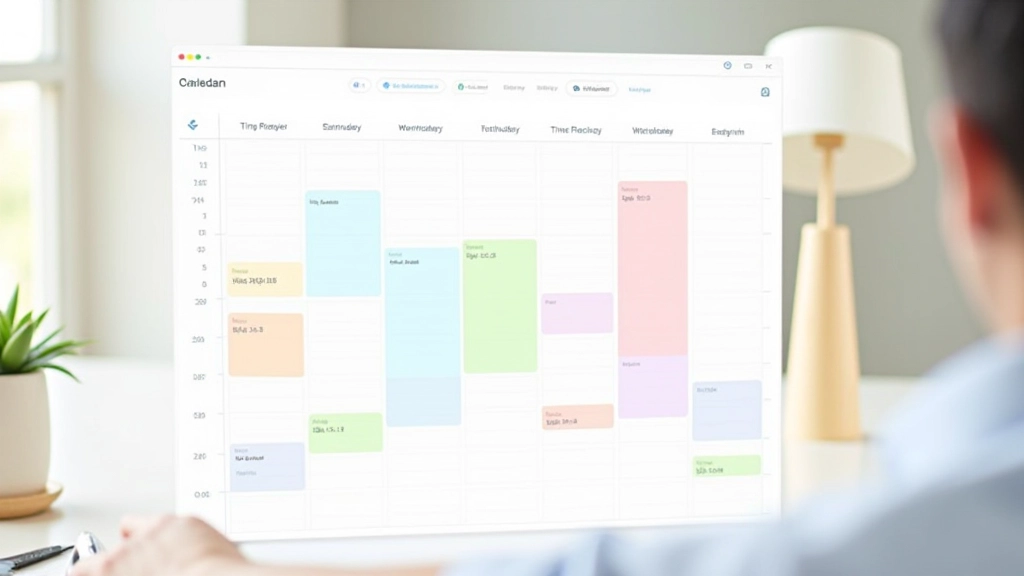
Timeboxing isn’t rocket science. It’s literally just assigning fixed time blocks to specific work. Instead of saying “I’ll work on Client A today,” you say “I’ll work on Client A from 9 AM to 11 AM on Monday and Wednesday.” That’s it. The block has a start time, an end time, and a specific project attached to it.
The magic happens when you stick to the boundaries. You’re not allowed to work past 11 AM on Client A’s block. You’re not allowed to start Client B work during Client A’s time. You move to the next block and do something else — even if it’s just admin work or a proper break.
Why does this matter? Because your brain stops panicking about “when am I going to fit everything in?” You’ve already decided. The anxiety drops. Focus goes up. And clients get more consistent attention instead of random bursts followed by radio silence.
Write down every client you’re actively working with. Most freelancers have 3-6 active projects at any given time. Include their main deliverable type (design, writing, strategy, etc.) and rough hours per week they actually need.
Don’t guess. If Client A pays 60% of your monthly income, they probably need 60% of your work week. Client B at 25% gets 25%. The remaining 15% goes to admin, breaks, and your own projects. This keeps your pricing honest and prevents overcommitment.
Use Google Calendar, Outlook, or even a paper planner. Assign specific days and times to each client. Most freelancers find success with 2-3 hour blocks per client per day. Shorter than that and you lose momentum. Longer than that and fatigue kicks in.
This is the hardest part. When your 11 AM alarm goes off, you stop. You don’t finish that one more email. You don’t squeeze in “just one quick thing.” You close the project and move to the next block. Your brain needs to learn that blocks are real and boundaries matter.

Let’s say you’re working with three clients. Sarah’s e-commerce store pays 50% of your monthly income. David’s startup pays 30%. Elena’s content agency pays 20%. You work 40 hours a week.
You’re not working on “something” every day. You’re working on something specific at a specific time. Sarah knows you’ll be focused on her work 9 AM–1 PM. You know exactly where your head should be. When 1 PM hits, you take a real break — not a five-minute scroll, but a proper 15-minute reset.
This sounds rigid. But most freelancers report that after three weeks of honest timeboxing, their stress drops by 40-50%. They’re not juggling anymore. They’re executing a plan.

Here’s a simple framework you can copy right now. Customize it based on your clients and hours.
Notice Friday includes review time. This is crucial. You’re not just working — you’re also checking that your system actually works. Are clients happy? Did you hit deadlines? What needs adjusting next week?
You think you have 40 billable hours. You actually have 28. Meetings, admin, unexpected fires, and breaks eat time. Start with fewer clients in fewer hours. You can always add more.
A client’s server goes down. Someone needs an urgent revision. Life happens. Leave 10-15% of your week unscheduled for real emergencies. Otherwise, you’ll break your system on week two.
Jumping from Client A to Client B to Client C throughout the day is exhausting. Your brain needs 10-15 minutes to reset. Batch similar clients on the same day when possible, or at least give yourself transition time.
Tell your clients when you’re available. “I work on your projects Monday–Wednesday mornings and Friday afternoons.” They’ll adjust their expectations. You won’t get 4 PM panic emails about 9 AM deadlines.
You don’t need to perfect your system before you start. Pick your three main clients. Assign them specific days and times. Put it on your calendar. Honor the blocks for one week.
You’ll notice the difference immediately. Your mind gets quieter. Deadlines feel less scary because you’ve already scheduled time for them. Clients are happier because you’re actually focused when you’re working on their projects.
Ready to build your system? Start with the template above. You can refine it as you go.
Get More StrategiesThis article provides general information about timeboxing techniques and is intended for educational purposes only. While these strategies have proven effective for many freelancers, individual results vary based on work style, industry, and client requirements. Timeboxing isn’t a one-size-fits-all solution — you may need to adjust the system based on your specific circumstances. Consider consulting with a productivity coach or business advisor for personalized guidance tailored to your unique situation.